
How to report a lookalike domain to a registrar or host
A clear, complete abuse report helps registrars and hosts act faster. Find the right contact, gather evidence, and use a ready email template.
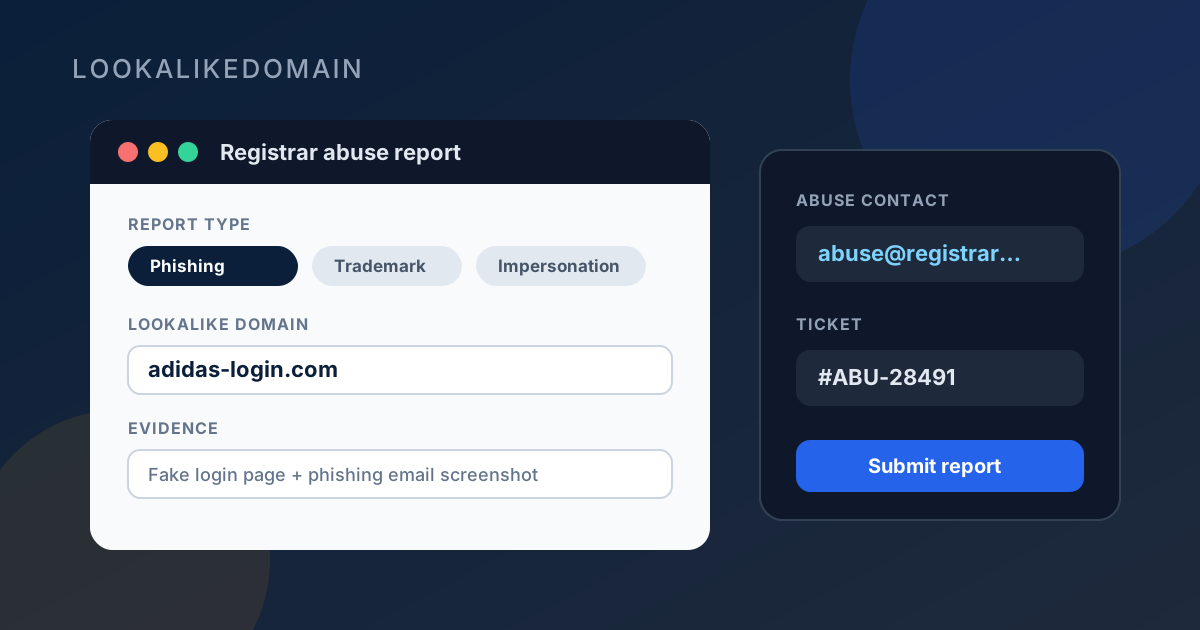
A vague complaint sits in a queue. A short, factual report (the lookalike domain, your brand, what customers are seeing, and screenshots) gives the registrar or host what they need to investigate and act.
This guide walks through who to contact, how to find an abuse address, what to include, and a template you can copy. It is practical, not legal advice. When the brand or the stakes are large, involve counsel early.
Decide who you are writing to
There are usually two useful doors: the domain registrar (who sold the name) and the hosting or CDN provider (who serves the website). For a phishing page that is live, the host often acts faster on a clear abuse case. For a name that only exists to confuse, the registrar may be the right first stop.
On a Pro or Business lookalike detail view, registration and hosting context help you choose. If you only have the domain name, start with public WHOIS/RDAP and DNS.
How to find the abuse contact
You want an address that says abuse, phishing, or trademark, not a general sales inbox.
- Look up the domain in RDAP or WHOIS. ICANN’s lookup is a solid start: lookup.icann.org. Note the registrar name and any abuse email published in the record.
- Open the registrar’s website and search for “abuse”, “phishing”, or “report”. Large registrars publish a dedicated form or abuse@ address.
- If the site is live, identify the host from DNS (A/AAAA → hosting org) or from a host lookup. Many hosts list abuse@ or a trust-and-safety form in their footer or legal pages.
- For phishing that impersonates a brand, you can also report via browser vendors and dedicated phishing channels (for example Google Safe Browsing / phishing report forms) in parallel. That does not replace the registrar or host notice.
What to include so the report is usable
Short and factual beats long and angry. Include the exact lookalike domain, your real brand domain, what the page or mail is doing, when you saw it, and links or screenshots. Say whether customers are being asked for passwords or payment details.
If you have trademark registrations, cite them plainly. If you do not, you can still report clear phishing or impersonation; do not invent a legal theory in the email.
Email template you can copy
Replace the bracketed fields. Keep the subject specific so it is not filtered as noise. Attach screenshots when a deceptive page is live.
After you send it
Keep the ticket number or auto-reply. Follow up once if you hear nothing after several business days; repeated daily mail rarely helps. If the host removes the site but the domain still resolves elsewhere, you may need a second notice to the registrar.
Reporting one domain does not stop the next registration. Pair takedown work with a lookalike check and ongoing monitoring so new names show up before the next customer forward arrives.