
Lookalike domains and email security: SPF, DMARC, and mail-ready copycats
A free check already flags lookalikes with mail DNS set. Pro adds SPF and DMARC posture on your brand, so you see where impersonation is easiest.
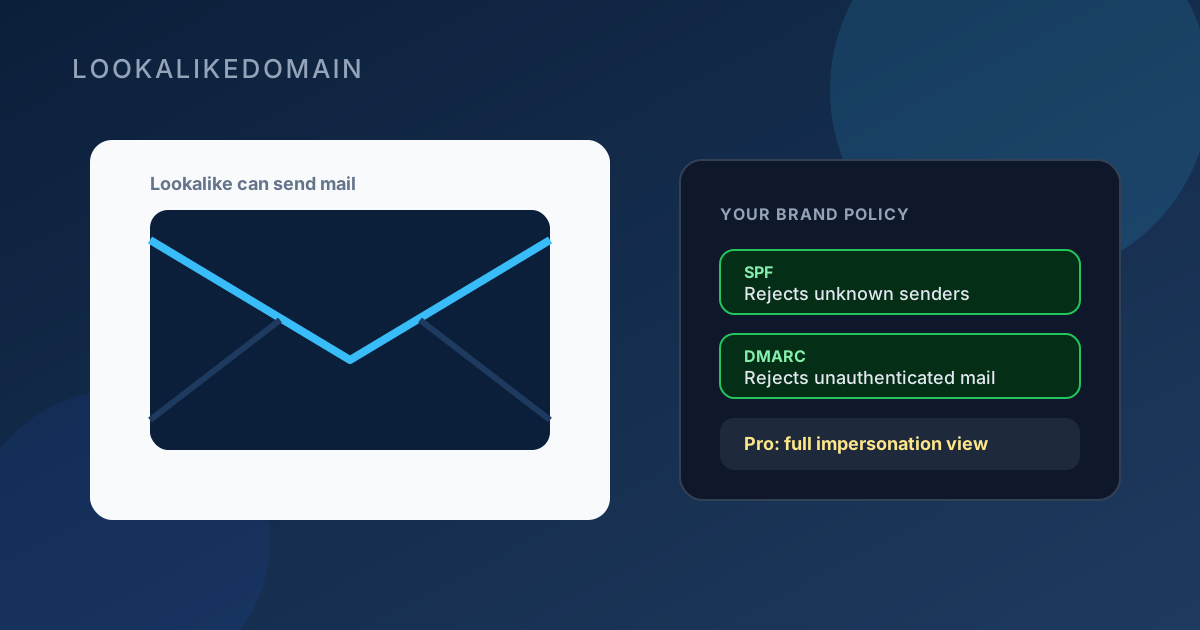
A lookalike domain is more dangerous when it can send email. Customers do not only click links; they receive messages that look like they came from you. Mail DNS on a cousin domain is an early signal that someone may be preparing phishing, not just parking a name.
SPF and DMARC on your real brand are the other half of the picture: they tell receiving servers which mail to trust and what to do with the rest. Weak policy on your side makes impersonation easier even when the lookalike is obvious.
What free checks already show
On a free lookalike check, hits can carry an Email signal when the domain has mail infrastructure configured, typically MX records or SPF that show it can send from addresses at that name.
That does not prove a phishing campaign is live. It does mean the domain is set up to participate in email, which is enough reason to treat it as higher priority than a silent registration with no mail hosts.
What SPF and DMARC are (in plain terms)
SPF lists the servers allowed to send mail for your domain. When a message fails SPF, receiving systems know it did not come from an approved path.
DMARC builds on that authentication. With a rejecting policy, unauthenticated mail that claims to be from you is more likely to be refused or quarantined, which shrinks the room for lookalike-adjacent spoofing of your exact brand domain. Cousin domains still need their own review; they are separate names.
What Pro and Business add
Paid plans include an email impersonation risk view for the brand you monitor: whether SPF and DMARC on your domain are readable and how strict they look, plus how many lookalikes in your list already show mail capability.
That combination is actionable. Harden your own policy where it is weak, and prioritize lookalikes that can already send mail when you report abuse or brief a client.
A practical order of work
- Run a free check and note which lookalikes show an Email signal.
- On Pro or Business, review your brand’s SPF and DMARC posture in the dashboard Email security section.
- Tighten your own mail policy with whoever runs DNS for the brand. Counsel or your ESP can help if needed.
- Report high-risk lookalikes that combine brand similarity with live mail or a live site.
Email authentication does not replace lookalike monitoring. It reduces one path attackers use against your exact domain, while monitoring surfaces the cousin names that sit outside SPF and DMARC entirely.